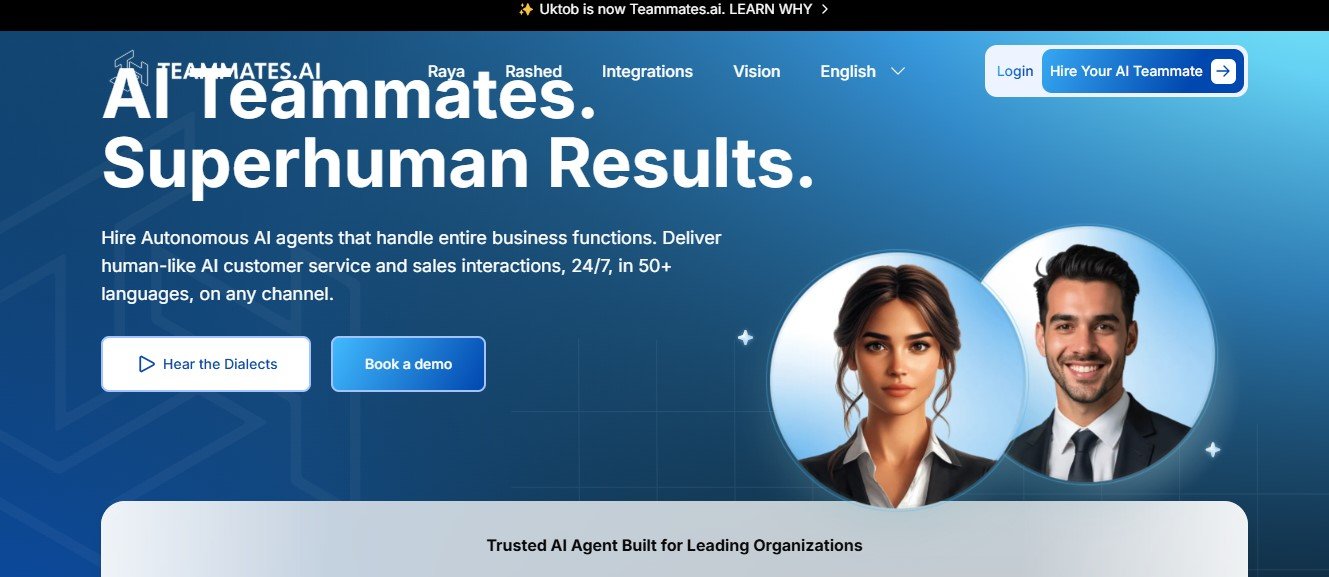
Teammates AI is an artificial intelligence-powered team collaboration tool that integrates with existing workplace platforms to automate tasks, organize projects, and enhance communication. It helps teams improve workflow efficiency by reducing manual effort and optimizing task delegation through AI-driven automation.
Features of Teammates AI
- AI Task Automation – Automates repetitive tasks, reminders, and follow-ups.
- Smart Scheduling & Calendar Integration – AI-powered scheduling to optimize meetings and deadlines.
- Team Collaboration Hub – Centralized workspace for messaging, file sharing, and team coordination.
- Intelligent Project Management – Tracks project progress, assigns tasks, and generates AI-driven insights.
- Natural Language Chatbot Assistant – Helps team members retrieve information, set reminders, and automate workflows.
- Integration with Popular Tools – Works with Slack, Microsoft Teams, Trello, Asana, and other workplace apps.
- AI-Generated Reports & Summaries – Provides insights, meeting notes, and project updates automatically.
- Personalized AI Suggestions – Learns team preferences to suggest optimal work strategies.
How Teammates AI Works
- Sign Up & Connect – Users create an account and integrate Teammates AI with their preferred collaboration tools.
- AI Setup & Automation – The AI identifies patterns in team workflows and suggests automation.
- Task & Project Management – Teams use the AI assistant to assign tasks, set deadlines, and track progress.
- Communication & Scheduling – AI optimizes meeting times, sends reminders, and streamlines team discussions.
- Insights & Reports – The AI provides real-time updates, summaries, and productivity insights.
Use Cases of Teammates AI
- Remote & Hybrid Teams – Enhances communication and task management for distributed teams.
- Project Managers – Automates progress tracking and deadline management.
- HR & Recruitment Teams – Streamlines onboarding and employee coordination.
- Sales & Marketing Teams – Automates lead follow-ups, content scheduling, and reporting.
- Startups & Enterprises – Increases operational efficiency through AI-driven collaboration.
Pricing Plans
Teammates AI offers various pricing plans based on team size and features required. Users should check the official website for the latest details.
- Free Plan – Basic AI-powered task management and integrations.
- Pro Plan – Advanced automation, AI-generated reports, and priority support.
- Enterprise Plan – Full customization, premium integrations, and dedicated AI models for large teams.
Strengths of Teammates AI
- AI-Powered Automation – Reduces manual work and improves efficiency.
- Seamless Integrations – Works with popular project management and communication tools.
- Smart Scheduling & Insights – AI assists in meeting planning and workflow optimization.
- Scalable for Teams & Enterprises – Suitable for small teams and large organizations.
Drawbacks of Teammates AI
- Limited Free Plan – Advanced automation features require a paid plan.
- Learning Curve – Some users may need time to optimize AI-powered workflows.
- Integration Dependencies – Effectiveness depends on third-party tool compatibility.
Comparison with Other Productivity & Collaboration Tools
Teammates AI vs. Slack
- Slack is focused on messaging and team communication, while Teammates AI adds AI-powered automation to workflows.
- Teammates AI provides smart task delegation and AI insights, which Slack lacks.
Teammates AI vs. Asana
- Asana is a task management tool, while Teammates AI enhances task automation and team collaboration.
- Teammates AI integrates AI-driven scheduling and workflow optimization, whereas Asana relies on manual planning.
Teammates AI vs. Notion AI
- Notion AI is centered around document collaboration and knowledge management, while Teammates AI is more about workflow automation and communication.
- Teammates AI focuses on team productivity enhancements, while Notion AI excels at note-taking and documentation.
Customer Reviews & Testimonials
Users appreciate Teammates AI for its seamless automation, AI-driven task management, and improved team coordination. Many businesses report increased productivity, fewer missed deadlines, and better-organized workflows. Some users mention that integrating AI automation requires some initial setup but provides significant long-term benefits.
Conclusion
Teammates AI is a powerful AI-driven productivity tool designed for teams looking to optimize workflows, automate tasks, and improve collaboration. With its smart scheduling, AI insights, and seamless integrations, it is an excellent solution for remote teams, project managers, and enterprises.
While the free version offers basic features, premium plans unlock full automation capabilities. If your team wants to streamline communication and task management, Teammates AI is a great choice.