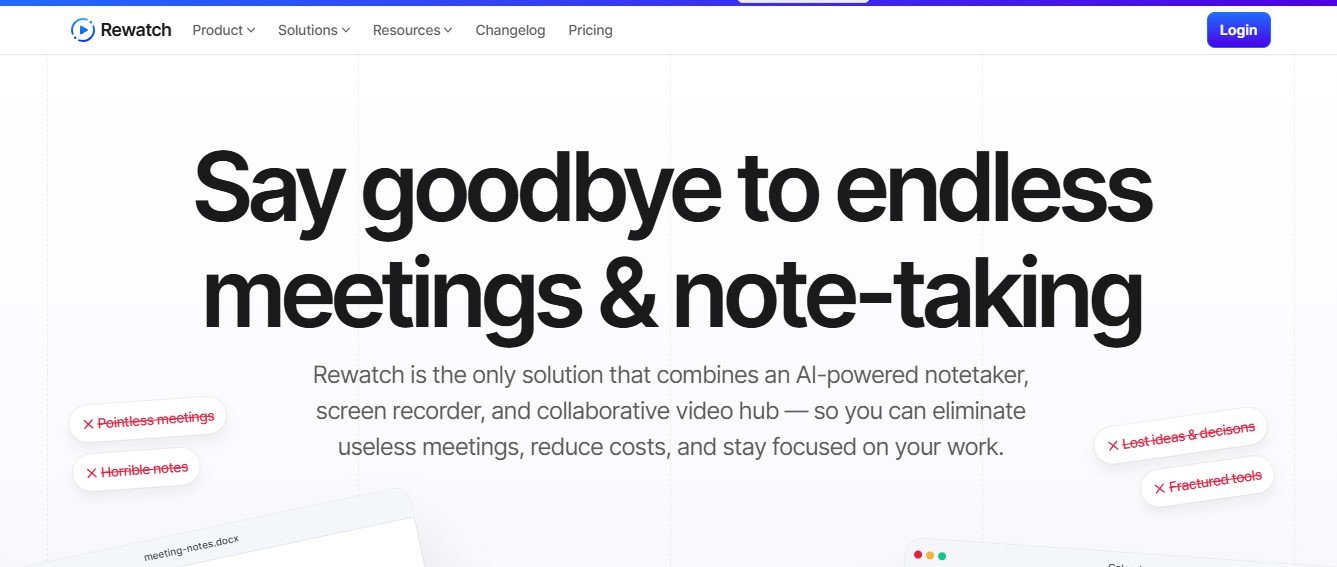
Asynchronous collaboration and centralized meeting management are critical for modern teams. Rewatch takes productivity to the next level by combining AI-driven meeting assistance, video recording, and a collaborative workspace. This tool simplifies capturing, organizing, and acting on meeting insights, empowering teams to focus on strategic work.
What is Rewatch?
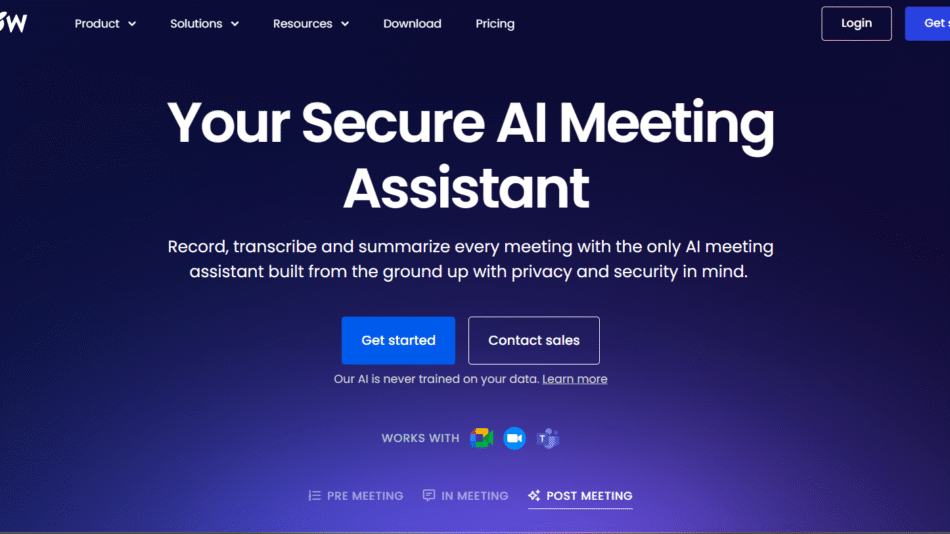
Rewatch is an all-in-one meeting management platform designed to record, transcribe, and summarize meetings while providing a collaborative video workspace. By integrating with tools like Slack, Zoom, and Microsoft Teams, it ensures seamless workflows for teams of all sizes.
Key Features of Rewatch
- AI Meeting Assistant
- Automatically record and transcribe meetings in real time.
- Generate AI-powered summaries and identify action items.
- Video Hub
- Centralize all recorded meetings, screen captures, and video content.
- Organize videos with tags, collections, and search features.
- Screen Recording
- Record your screen and voice for asynchronous updates or presentations.
- Share recordings directly within your team’s workspace.
- Collaboration Tools
- Add comments, attach files, and assign action items to meeting content.
- Collaborate asynchronously on recorded videos and notes.
- Integration with Enterprise Tools
- Sync with Google Meet, Microsoft Teams, Slack, Zoom, Salesforce, and more.
- Enhance workflows with API and Zapier integrations.
- Scalable for Enterprises
- Robust admin controls, single sign-on (SSO), and SCIM provisioning.
- Industry-leading data security and privacy standards.
- Actionable Insights
- Timestamped chapters and searchable transcripts make reviewing meetings effortless.
- Automatically notify teammates with summaries and highlights.
How Rewatch Works
- Record and Store
- Automatically record and store meetings or upload existing videos to the Rewatch hub.
- AI-Driven Processing
- Use AI to transcribe and summarize content.
- Extract action items and organize notes for easy reference.
- Collaborate and Share
- Collaborate asynchronously with team comments and notifications.
- Share content securely within the team or organization.
Use Cases for Rewatch
- Team Collaboration
- Enable cross-functional teams to stay aligned with shared video resources.
- Replace repetitive syncs with organized asynchronous updates.
- Knowledge Management
- Build a video knowledge base for onboarding, training, or project updates.
- Make information searchable and accessible anytime.
- Sales and Customer Success
- Record client calls and analyze meeting transcripts for actionable insights.
- Share customer feedback and success stories across teams.
- Engineering and Product Teams
- Review technical discussions with searchable transcripts and recorded demos.
- Collaborate asynchronously to reduce meeting overload.
Pricing Plans
Rewatch offers flexible pricing to suit different team needs:
- Starter Plan– Free
- Basic video recording and storage features.
- Pro Plan– Starting at $10/month per user
- Includes advanced transcription, summaries, and integrations.
- Enterprise Plan– Custom Pricing
- Enhanced security, admin controls, and API access.
Strengths of Rewatch
- Comprehensive Features: Combines AI-powered transcription, video management, and collaboration in one tool.
- Scalable and Secure: Built for organizations of all sizes with enterprise-grade security.
- Time-Saving: Replaces repetitive meetings with searchable, timestamped video content.
- Seamless Integrations: Works with popular tools like Slack, Zoom, and Confluence.
- User-Friendly Interface: Minimal learning curve with an intuitive design.
Drawbacks of Rewatch
- Pricing for Full Features: Advanced capabilities require a paid plan.
- Focus on Video Content: May not suit teams relying heavily on non-video documentation.
Rewatch vs. Competitors
- Rewatch vs. Loom
- Loom specializes in quick video messages, whereas Rewatch focuses on meeting recording and collaboration.
- Rewatch vs. Otter.ai
- ai excels in transcription, but Rewatch offers a centralized hub for videos and notes.
- Rewatch vs. Microsoft Stream
- Rewatch provides advanced AI summaries and integrations, unlike Stream’s basic video hosting.
Customer Reviews and Testimonials
- “Rewatch helps our distributed team stay aligned without endless meetings. The video hub is a game-changer.” – Sarah M., Product Manager
- “Having all meeting videos in one place has streamlined our onboarding process significantly.” – Ryan J., HR Lead
- “Rewatch’s AI assistant makes it so easy to track decisions and action items from important calls.” – Priya K., Operations Manager
Conclusion
Rewatch empowers teams to reduce meeting fatigue and improve collaboration by leveraging AI and centralized video resources. With its robust features and seamless integrations, it’s an essential tool for organizations aiming to enhance productivity and knowledge sharing.
To explore how Rewatch can transform your meetings, visit Rewatch today.