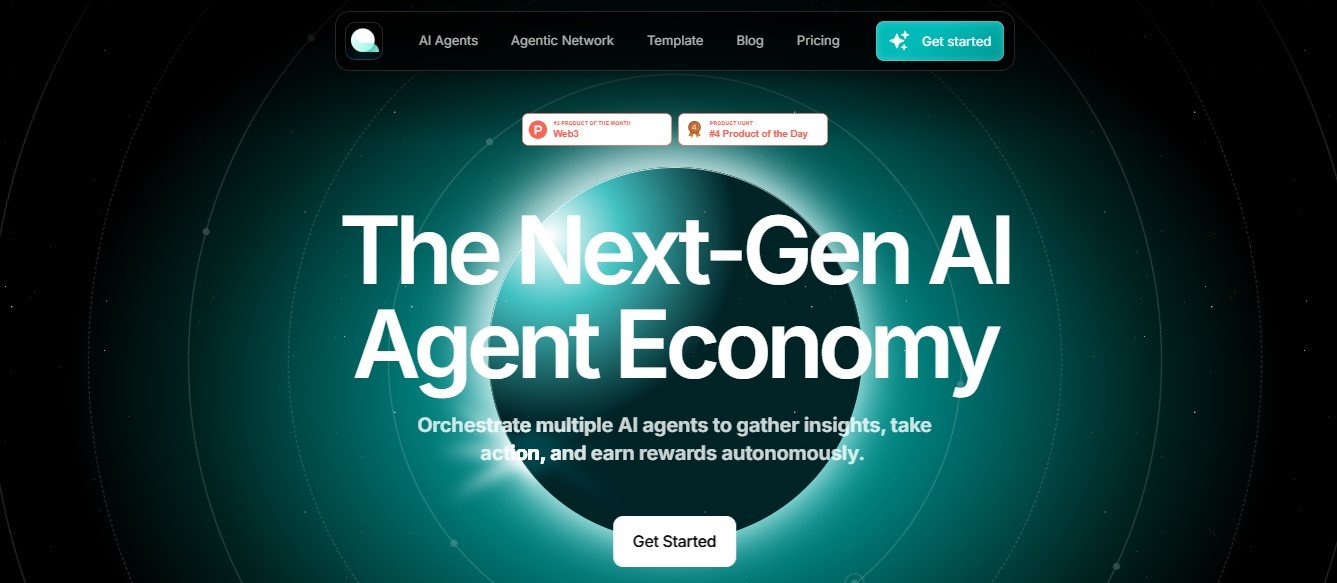
Questflow AI is a cutting-edge platform that combines workflow automation with generative AI. It enables businesses to design, execute, and optimize workflows while leveraging AI for tasks such as content creation, decision-making, and real-time suggestions.
By integrating generative AI into its automation engine, Questflow AI empowers teams to go beyond simple task automation, enabling dynamic workflows that adapt to changing needs. From automating email follow-ups to generating reports or crafting personalized responses, Questflow AI provides tools for smarter, faster, and more collaborative work.
Features of Questflow AI
1. Generative AI Integration
Leverage AI to generate content, responses, or ideas within workflows, making automation smarter and more adaptive.
2. No-Code Workflow Builder
Design workflows visually using an intuitive drag-and-drop interface, accessible even to non-technical users.
3. AI-Powered Recommendations
Get real-time AI suggestions to improve workflow efficiency, such as task prioritization or process optimization.
4. Omni-Channel Automation
Automate tasks across multiple platforms, including Slack, Microsoft Teams, Google Workspace, and CRM systems.
5. Dynamic Triggers and Actions
Set complex triggers based on conditions, such as customer behavior or workflow progress, and define corresponding actions.
6. Collaboration Tools
Enable teams to collaborate in real-time on workflows, sharing updates, feedback, and insights seamlessly.
7. Data-Driven Insights
Track performance metrics for workflows, identify bottlenecks, and leverage AI to recommend optimizations.
8. Customizable Templates
Access a library of pre-built templates tailored for various industries and adapt them to your specific needs.
9. Enterprise-Grade Security
Questflow AI prioritizes data privacy and security, ensuring compliance with standards like GDPR and SOC 2.
How Does Questflow AI Work?
Questflow AI simplifies automation and enhances workflows in a few easy steps:
- Sign Up and Connect
- Create an account and link Questflow AI to your existing tools and platforms.
- Design Workflows
- Use the no-code workflow builder to create custom processes or adapt templates to your needs.
- Incorporate Generative AI
- Add AI tasks to generate content, automate decisions, or provide real-time suggestions.
- Set Triggers and Conditions
- Define triggers (e.g., when a new lead is added) and conditional actions (e.g., send a personalized email).
- Test and Launch
- Run test workflows to ensure accuracy, then deploy them for your team.
- Monitor and Optimize
- Use analytics to measure workflow performance and refine processes based on AI recommendations.
Use Cases of Questflow AI
1. Marketing Automation
- Automate email campaigns, generate personalized content, and track engagement metrics with AI-driven insights.
2. Customer Support
- Streamline ticket assignments, automate chat responses, and escalate complex issues to human agents seamlessly.
3. Sales Enablement
- Automate lead follow-ups, generate sales reports, and recommend actions based on customer interactions.
4. HR and Recruitment
- Automate onboarding workflows, schedule interviews, and generate personalized training materials.
5. Project Management
- Automate task assignments, generate progress reports, and provide AI recommendations to improve team efficiency.
6. Content Creation
- Use generative AI to draft blog posts, social media updates, or client proposals directly within workflows.
Pricing
Questflow AI offers flexible pricing options designed to meet the needs of businesses of all sizes. Below is an overview (accurate as of January 2025):
- Free Plan:
- Limited features, ideal for testing and small-scale workflows.
- Pro Plan: Starting at $20/month per user
- Includes access to advanced automation features, generative AI tools, and priority support.
- Enterprise Plan: Custom pricing
- Tailored solutions for large organizations, with unlimited workflows, advanced analytics, and dedicated onboarding.
Visit the Questflow AI Pricing Page for the latest details and to request a demo.
Strengths of Questflow AI
- Generative AI Capabilities: Unique AI-driven features for content creation, decision-making, and recommendations.
- Ease of Use: No-code builder makes it accessible for users with minimal technical skills.
- Scalability: Suitable for businesses of all sizes, from startups to enterprises.
- Omni-Channel Support: Automates workflows across a wide range of platforms and tools.
- Customizable Templates: Pre-built templates reduce setup time and provide industry-specific solutions.
Drawbacks of Questflow AI
- Pricing for Small Teams: The Pro plan may be costly for smaller businesses with limited budgets.
- Learning Curve for Advanced Features: While the platform is user-friendly, mastering dynamic triggers and generative AI capabilities may require training.
- Dependence on Internet Connectivity: Requires a stable internet connection to run workflows efficiently.
Comparison with Other Tools
Here’s how Questflow AI compares with similar platforms like Zapier, Make (Integromat), and UiPath:
- Zapier: Great for simple task automations but lacks Questflow AI’s generative AI capabilities.
- Make (Integromat): Offers visual workflow creation but focuses less on AI-driven innovation compared to Questflow AI.
- UiPath: Specializes in Robotic Process Automation (RPA) for large enterprises, while Questflow AI targets broader workflow automation with generative AI integration.
Summary: Questflow AI stands out for its generative AI features, making it ideal for teams looking to enhance workflows with smarter, more adaptive automation.
Customer Reviews and Testimonials
Here’s what users are saying about Questflow AI:
- Anna S., Marketing Manager: “Questflow AI has streamlined our email campaigns and boosted engagement with AI-generated content. It’s a game-changer!”
- David P., Project Manager: “The dynamic workflows and real-time suggestions have made our team more efficient than ever.”
- Liam T., HR Specialist: “Onboarding new employees is seamless with Questflow AI. The generative AI even helps create personalized training materials!”
While feedback is largely positive, some users noted that advanced features require training to maximize their potential.
Conclusion
Questflow AI is a next-generation platform that combines workflow automation with generative AI to deliver smarter, more dynamic processes. Its ease of use, scalability, and AI-driven capabilities make it an excellent choice for businesses looking to streamline operations, improve collaboration, and boost productivity.
While the pricing may be steep for smaller teams and advanced features may take time to learn, the platform’s ability to adapt workflows and provide real-time insights makes it a powerful tool for organizations of all sizes.
Ready to transform your workflows? Visit the official Questflow AI website to learn more or start a free trial today!